
Lock screens and wallpapers for Web3-native collectors.
A simple hub for partner projects, holders, and phone-first art.
PARTNER LOCKERS
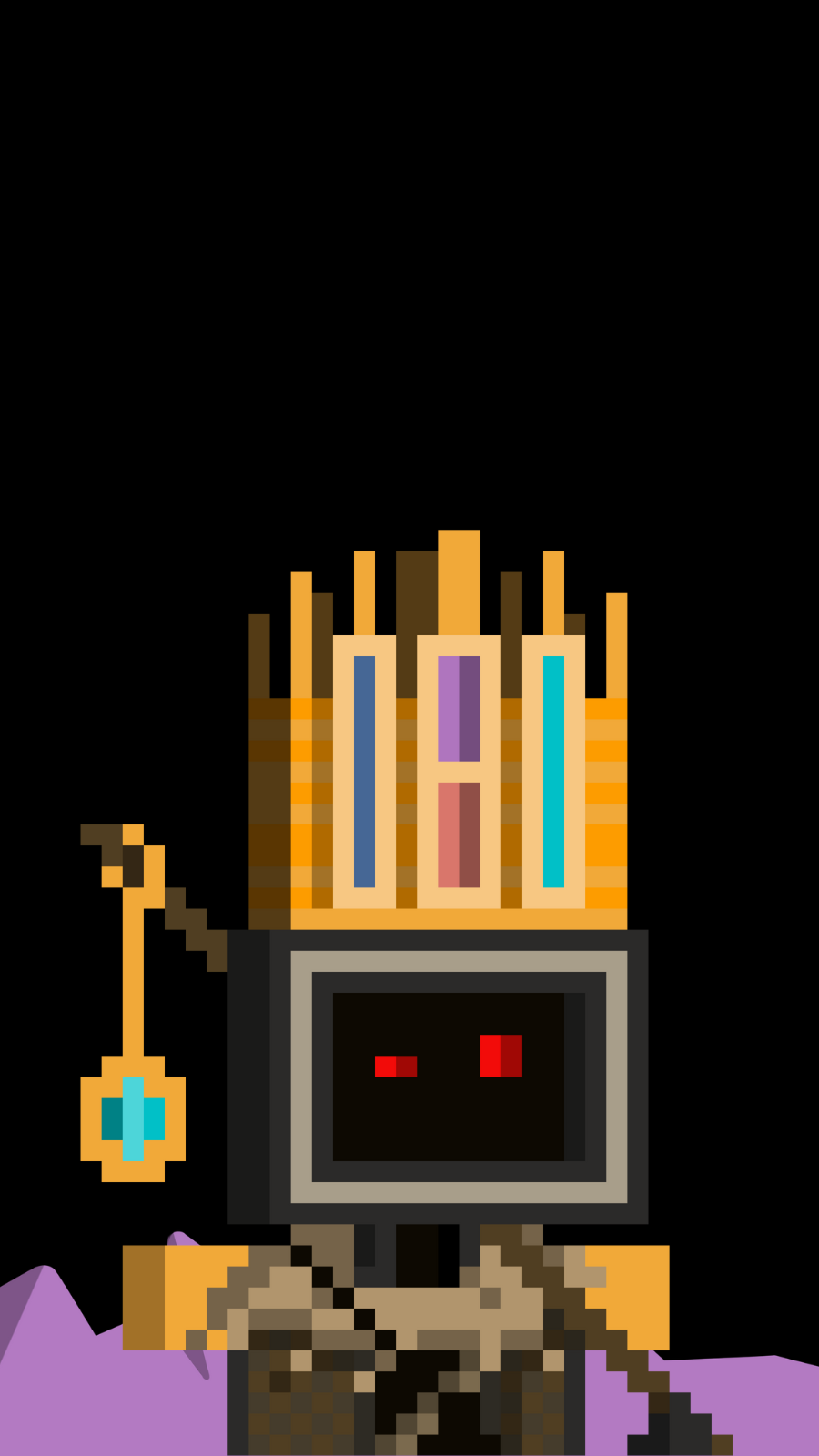
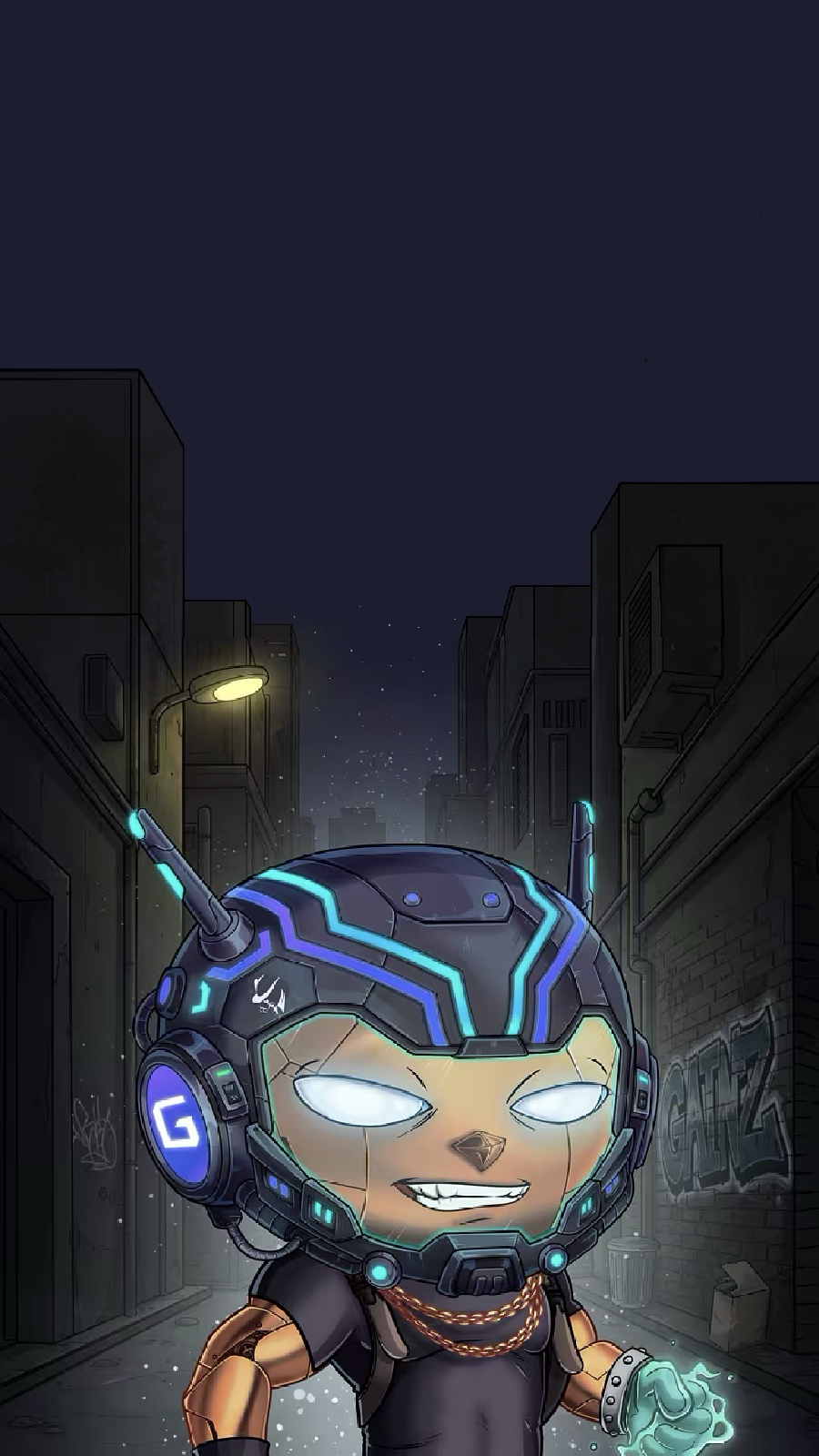
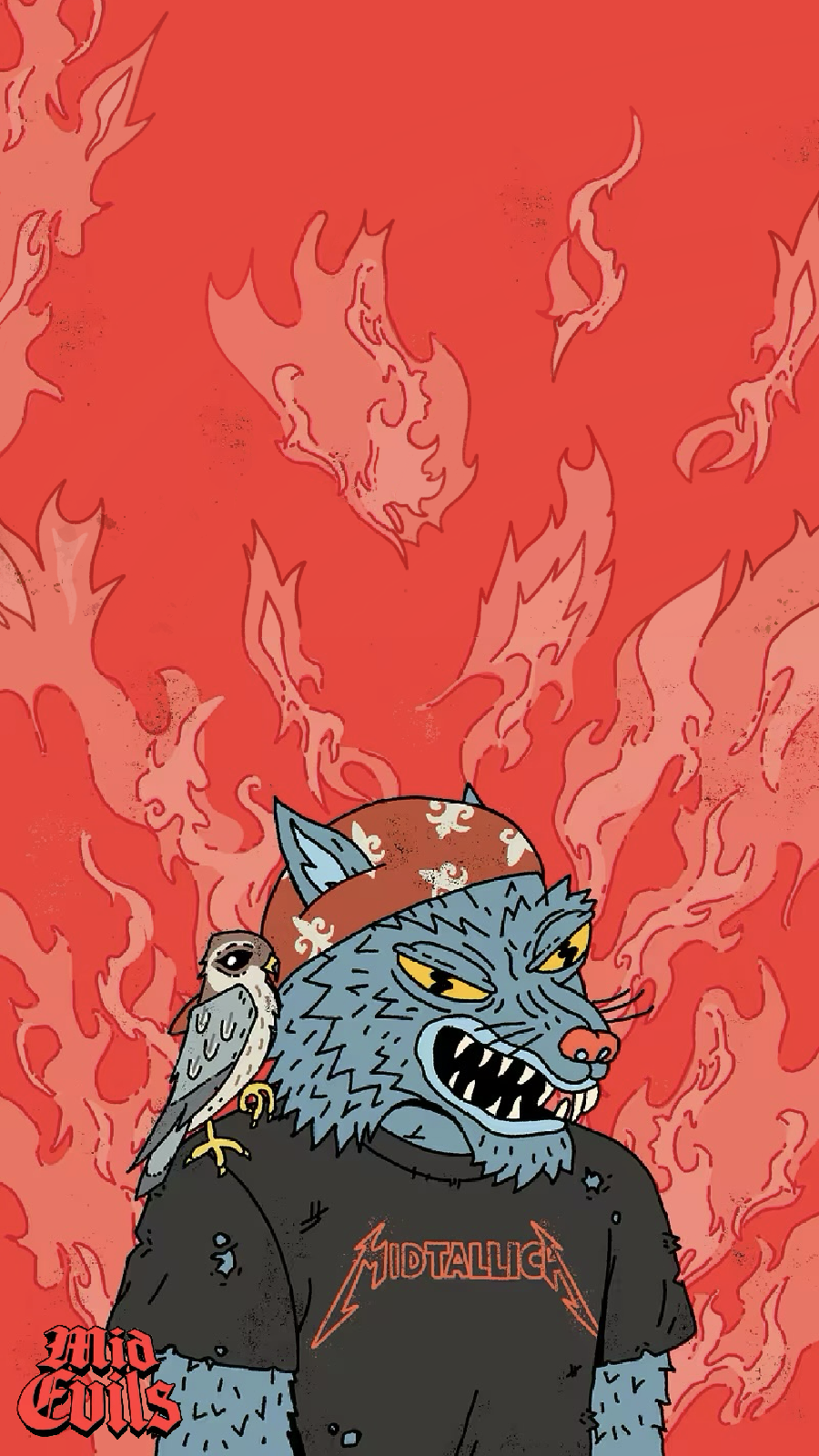
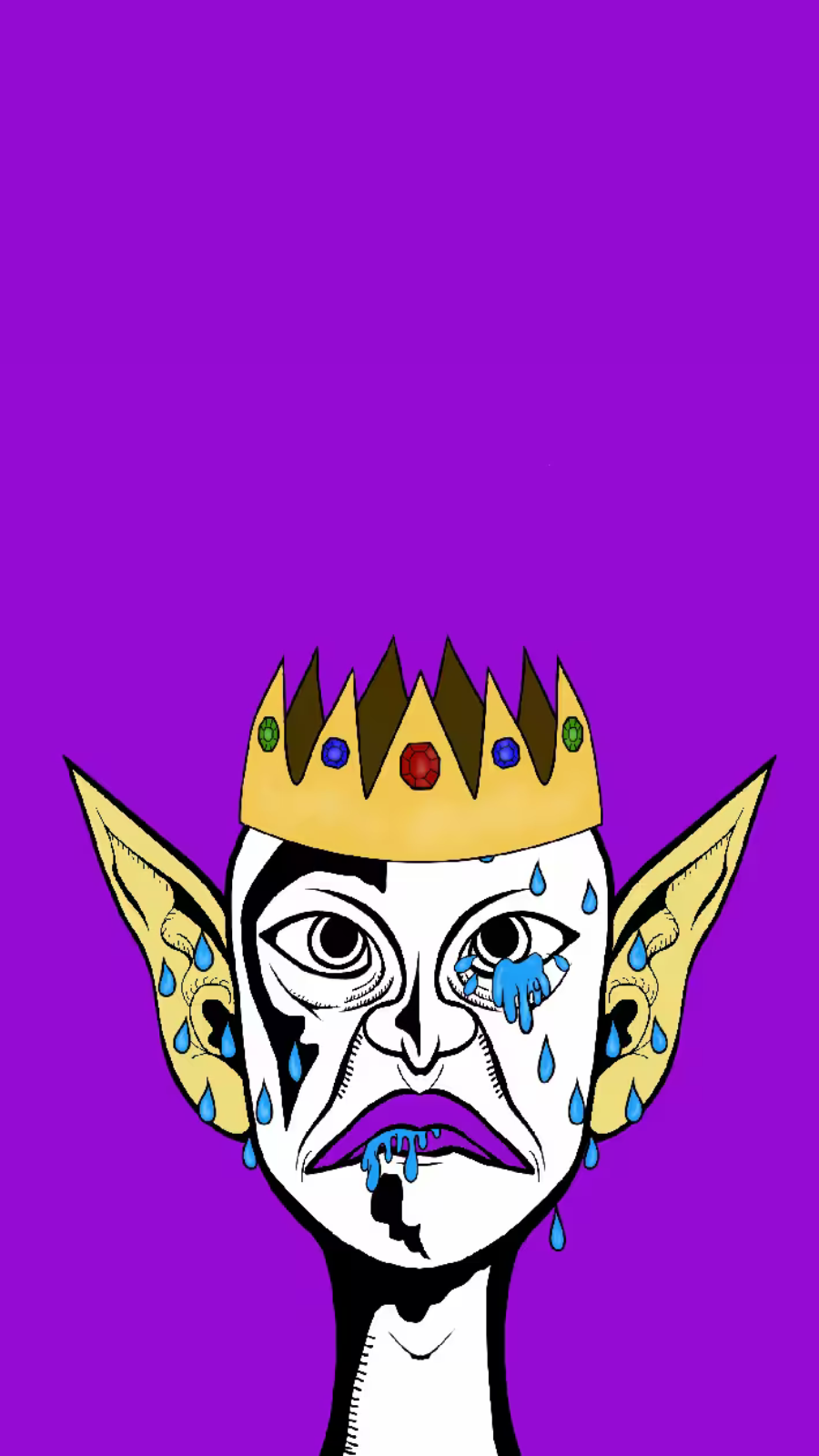
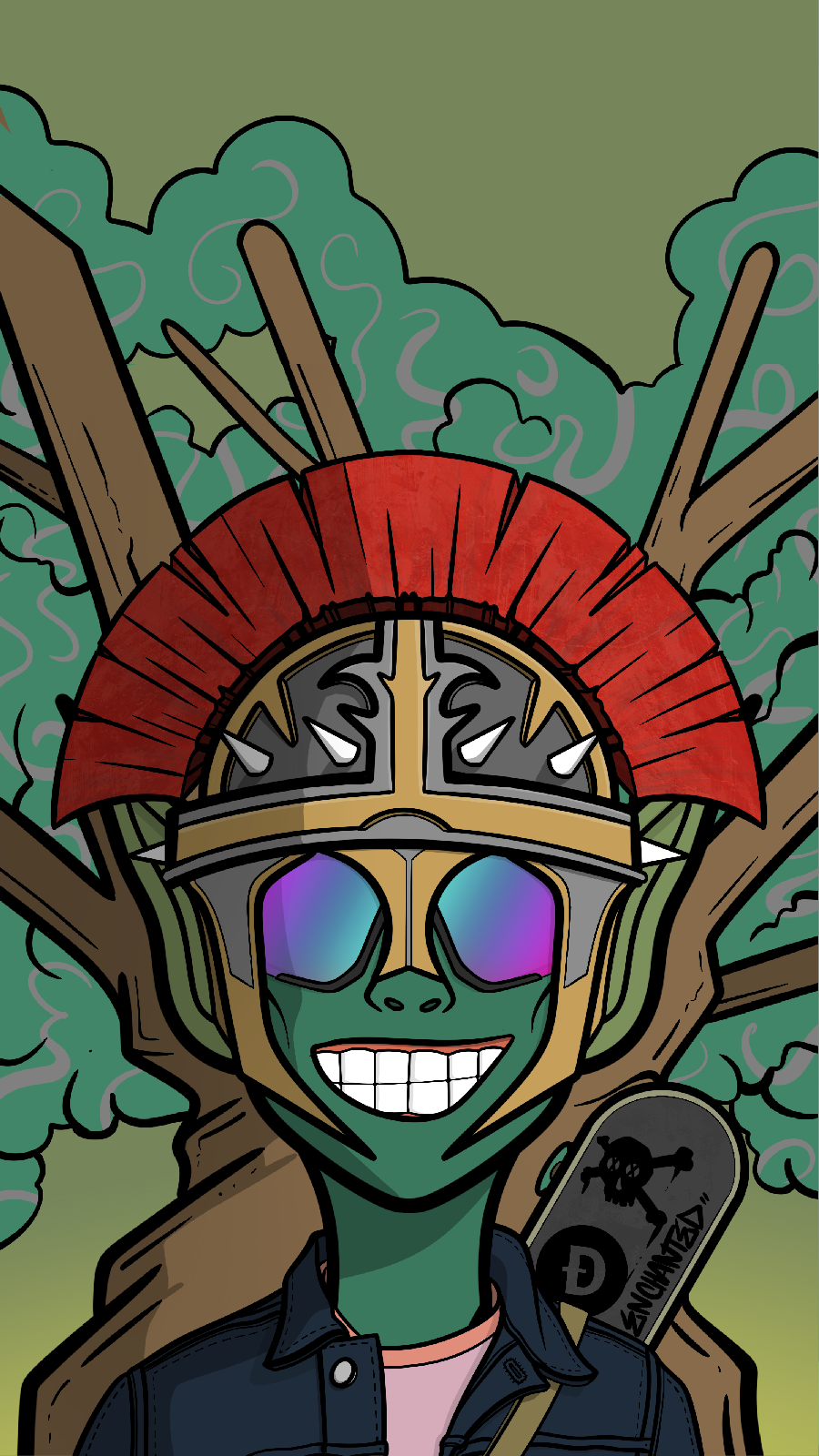
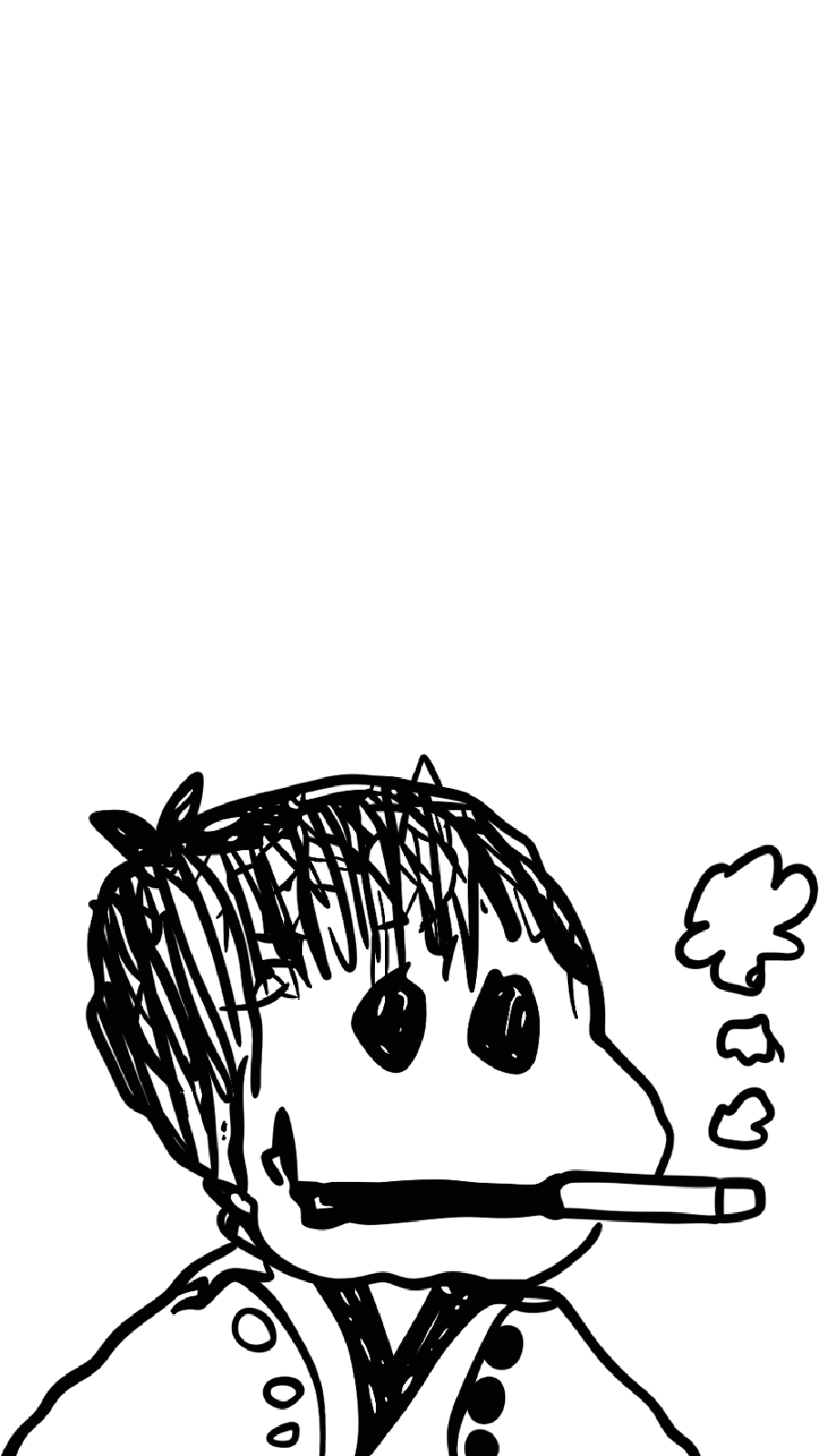
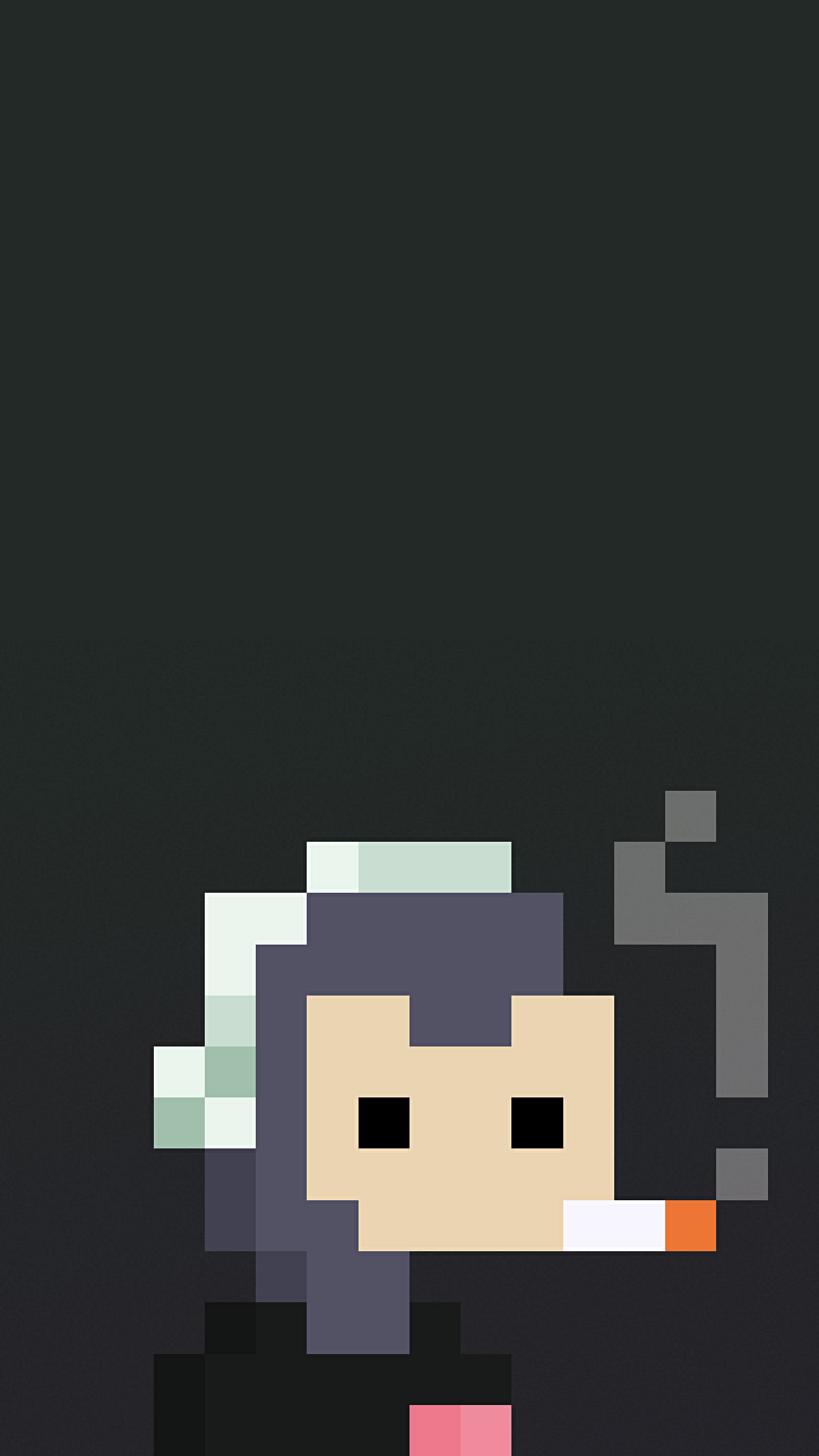
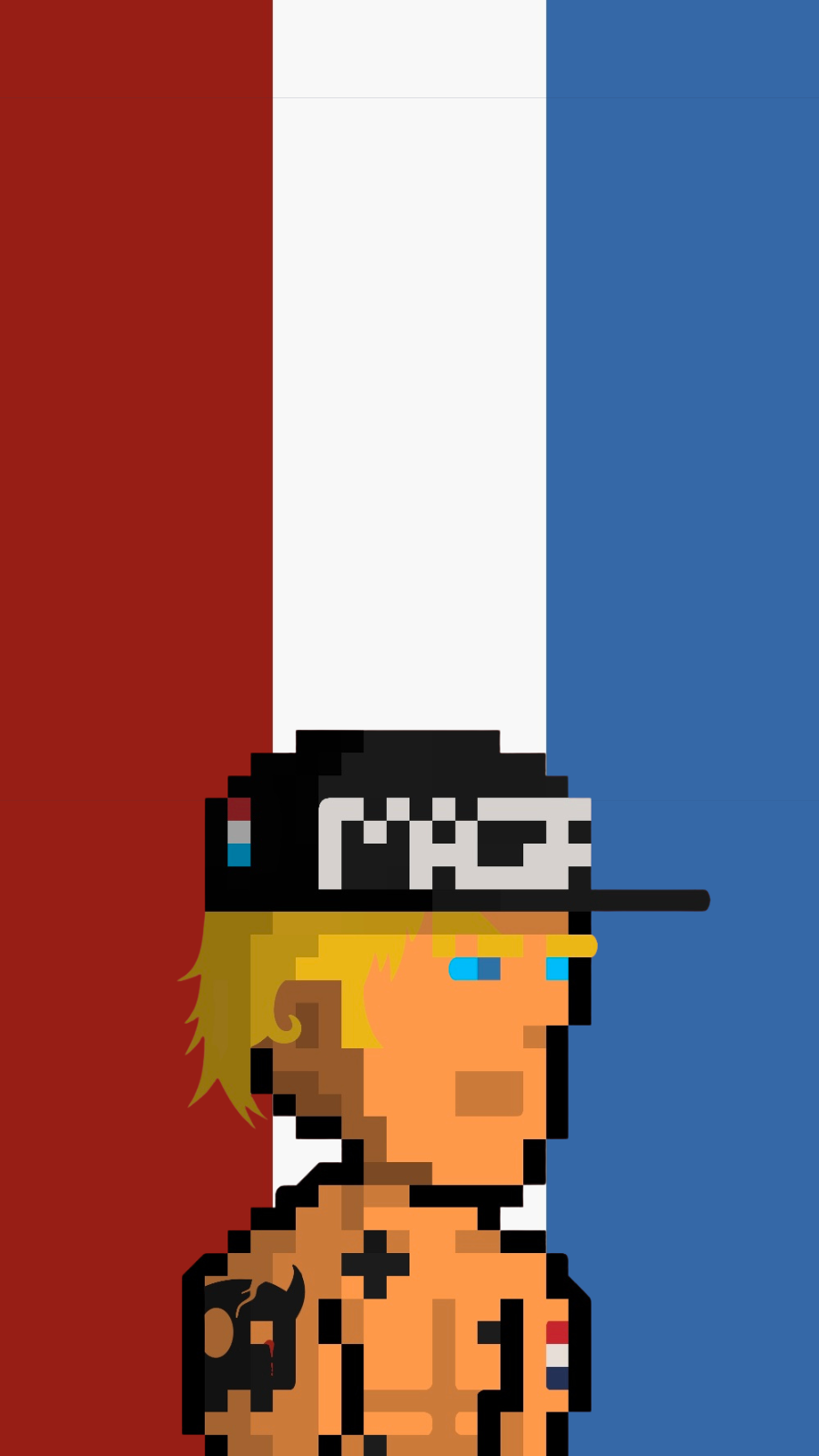
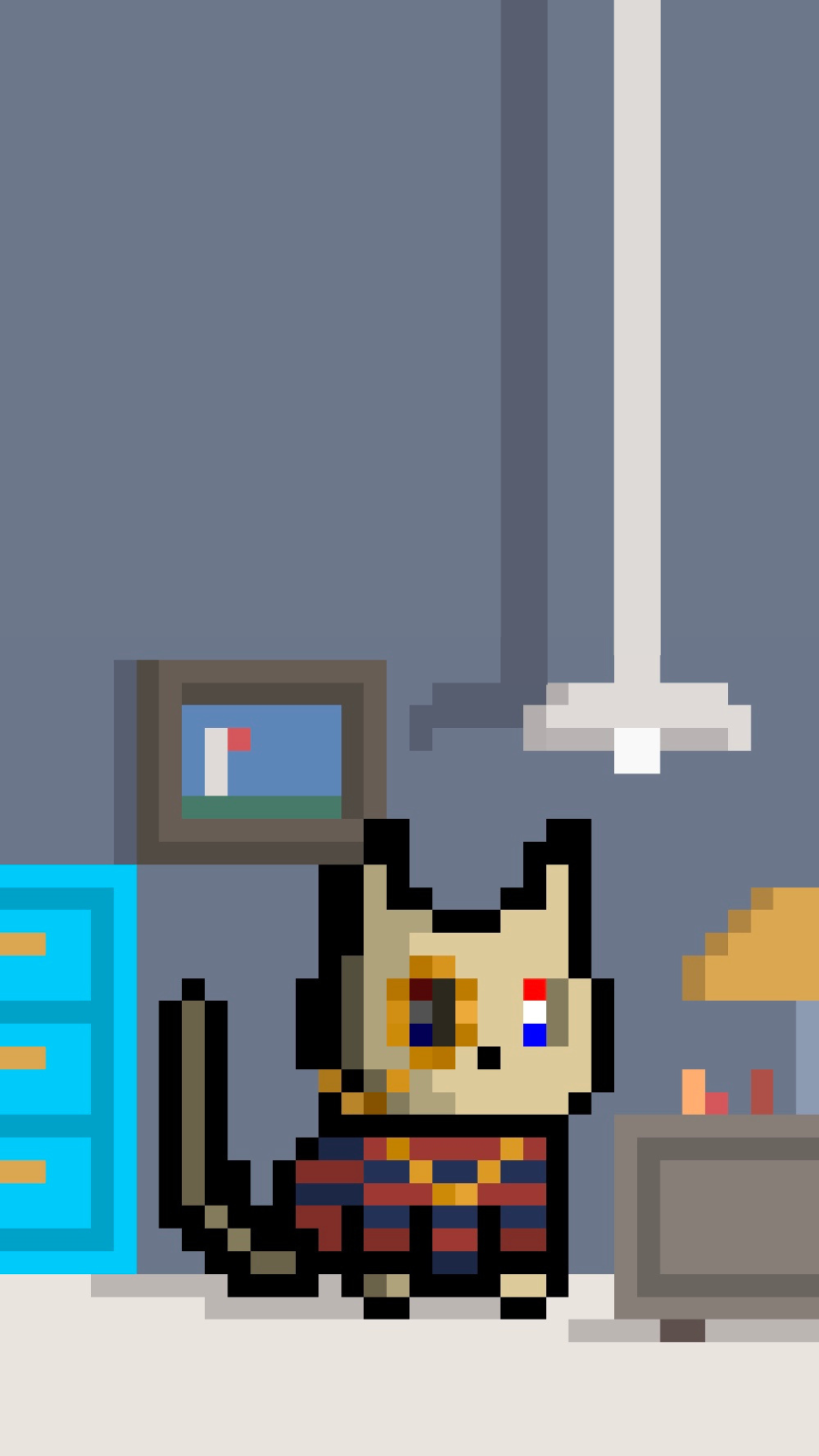
Each project below has (or will have) its own dedicated locker on LockScreened. Tap a phone to open that project’s experience.
FAQ
LockScreened is a holder-first toolkit that turns partner NFT collections into perfectly sized, crisp wallpapers for phones, tablets, and desktops. You connect a supported wallet, open a project’s locker, and export device-ready backgrounds.
Yes. Browsing, swapping backgrounds, and exporting wallpapers from live partner lockers is free for eligible holders. Some partners may offer premium traits or upgrades separately.
You only need to connect a wallet when you want to unlock holder-only features in a partner locker (like seeing your NFTs or accessing holder-only backgrounds). You can still read about projects without connecting.
Yes. LockScreened is view-only and does not request any transfer permissions. Always double-check you are on the official RetroGrave / LockScreened URLs before connecting, and never approve transactions you don’t recognize.
We currently support major Solana wallets that work with the standard wallet adapter (like Phantom and similar wallets). Support may expand over time as we add new partner projects and ecosystems.
Nothing is moved or changed on-chain. We simply read which NFTs you hold from a partner collection so we can display them in the locker and render wallpapers around them.
Yes. Most lockers will let you upload your own custom backgrounds so you can match your NFT to your personal style. Just be sure to use high-resolution images for the best results.
LockScreened focuses on phones first, with exports sized for common iPhone and Android devices. Many lockers will also include tablet and desktop-friendly versions.
That’s the plan. LockScreened is built as a multi-project ecosystem. As new partners join, they’ll get their own lockers and appear in the Partner Projects grid.
If something looks broken or off, hop into the RetroGrave / LockScreened Discord and drop a message in the support channel. Screenshots and device details are super helpful.